
This Is How To Choose Your Best Mining Wallet Without The Usual Confusion
This Is How To Pick Your Best Mining Wallet
Picking your best mining wallet isn't about grabbing the first app with a shiny logo and a cartoon mascot. I've read a lot of confused posts on this, and the truth is your best mining wallet depends on the coin you mine and how you hold the keys. If you mine Monero, you need a Monero wallet. If you mine Ethereum Classic, you need something that speaks ETC. The wallet is where your payouts land, so it's kinda the whole ballgame.
A crypto wallet is a secure digital wallet for your cryptocurrency. It holds the public and private key info needed to do crypto transactions. The coins themselves sit on a blockchain, not in the wallet. A private key lets you reach the actual crypto on the chain. If someone gets your private key, they get your coins. A public key works like a bank account number, and you share it to get paid at a wallet address.
For mining, a wallet is more than storage. It is the spot where your daily work meets your money safety. A mining wallet must handle the weird stuff mining throws at it. Mining pools send small payouts a lot, sometimes every hour. Those little bits are called dust. Your wallet has to take all that dust without choking or costing you big fees later when you move the money out.
Not your keys, not your coins.
Every miner needs a public address to be their name inside a mining pool. When a block is mined or a share is sent, the pool pays that address. Since mining builds up wealth slow over time, the wallet you pick changes how safe and how liquid your money is. This is why I care so much about getting the best mining wallet for the job, not just any wallet.
What A Mining Wallet Actually Does
A mining wallet is a special kind of wallet made for the odd needs of mining. A normal retail wallet is for偶尔 trades. A mining wallet must deal with dust from pool payouts and talk to mining software or hashrate tools. Most of the time you just paste your wallet address into the mining software or pool config and forget it. But the type of wallet changes everything downstream.
When you first wonder how to get a blockchain wallet , the answer is you make one from a wallet app or device and copy the public address it gives you. You then put that address where the pool pays you. That's the start of your best mining wallet setup, even if it feels too simple to matter.
Core needs of a mining wallet
- Handle lots of small payouts without lag or crazy fees
- Give you a public address to receive pool rewards
- Keep private keys safe from others
- Work with mining software or dashboard tools
Mining often means you collect many tiny outputs. These are called UTXOs. A good mining wallet lets you merge them later so you don't pay huge network fees. If your wallet can't do that, you'll feel it when you try to send a big chunk out.
Hot Wallet And Cold Wallet For Miners
Miners usually balance two things. A hot wallet is online and good for daily checks and quick trades. A cold wallet is offline and better for the bulk of what you mined. The split is normal. You keep some in hot for power bills, the rest in cold where thieves can't touch it. This hot and cold wallet split is the base of miner security in my view.
Hardware wallets like Ledger or Trezor are cold. They keep keys off the net. Software wallets like Exodus or Electrum are hot. They are easy but more exposed. You don't have to pick one forever. Most miners use both, moving from hot to cold when the pile gets big.
Cold storage is essential for securing the bulk of accumulated rewards.
For a miner who just holds (we say HODL), cold is king. But if you need to pay for electricity with crypto every week, you'll live in hot wallet land. That's fine. Just know the trade and don't leave everything on an exchange.
Types Of Wallets For Miners
There are a few kinds of wallets you'll run into. Hardware, software, exchange-linked, hosted, non-custodial, and Lightning wallets. Each fits a different miner. Your best mining wallet might be a mix. I'll go through the main ones so you can see the shape of it.
Wallet types for mining
- Hardware wallets (cold, high security)
- Software and desktop wallets (hot, easy use)
- Exchange-linked wallets (fast trade, less control)
- Hosted vs non-custodial (who holds the key)
- Lightning Network wallets (fast BTC payouts)
Hardware wallets such as Ledger, Trezor, and Goldshell keep private keys offline. They are the gold standard for stopping unauthorized access. Ledger Nano S or S Plus is good for larger ETC amounts. Ledger Nano X has a secure chip and supports over 100 coins. Trezor Model T supports over 1,000 coins and is beginner-friendly but costs more.
Software wallets like Electrum or Exodus give convenience and control. They are hot wallets good for quick moves and DEX access. Many miners use them as a step before moving to cold storage. Exodus started as desktop, now has mobile and browser too, and supports ETC natively. MyCrypto and MyEtherWallet are web or desktop, support ETC by default, and link to hardware wallets.
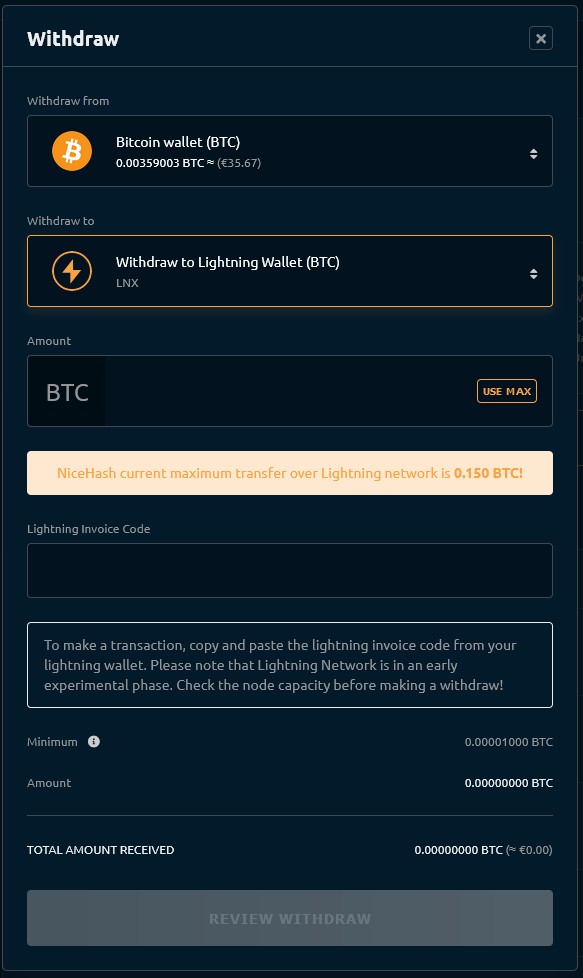
Integrated platforms like Bitget Wallet let miners move rewards into interest accounts or trade tools without many transfers. NiceHash wallet supports Lightning Network and can send to LN addresses. It also links to NiceHash Exchange for other coins. That kind of setup helps if you need to cover costs fast.
Hosted wallets sit on an exchange that holds your key. Easy to recover password, but if the exchange fails, you may lose coins. Non-custodial wallets give you full control. You must guard the key. All major ETC wallets listed are non-custodial because trust minimization is the point of blockchain. When people ask what a self custodial wallet is , it's just a wallet where you and only you hold the keys.
Self-Custody Is The Whole Ballgame
Self-custody matters more than most new miners think. If you leave coins on an exchange or in a pool wallet, you trust a third party that could be hacked, regulated, or go broke. For Monero, the official Monero GUI wallet is the pick. It lets you run your own node or light node, and you check transactions yourself without a server in the middle.
Not your keys, not your coins.
Your seed phrase is the master key. Write it on steel, not in a file. A non-custodial software wallet gives you a 12 or 24 word backup. Lose it and you're out of luck. Hardware wallets are safest as offline devices, but losing the seed still ends you. This is the part where I say hey, don't skip this: guard the seed like cash.
For mining security, use hardware 2FA like YubiKey on exchange accounts. Pros use a dedicated computer for wallet work to avoid malware from normal web use. And only download wallet or mining software from official sources. Antivirus may flag miners, but if it's the real source, you're okay if your OS is updated.
Wallet Of Satoshi And Lightning Options
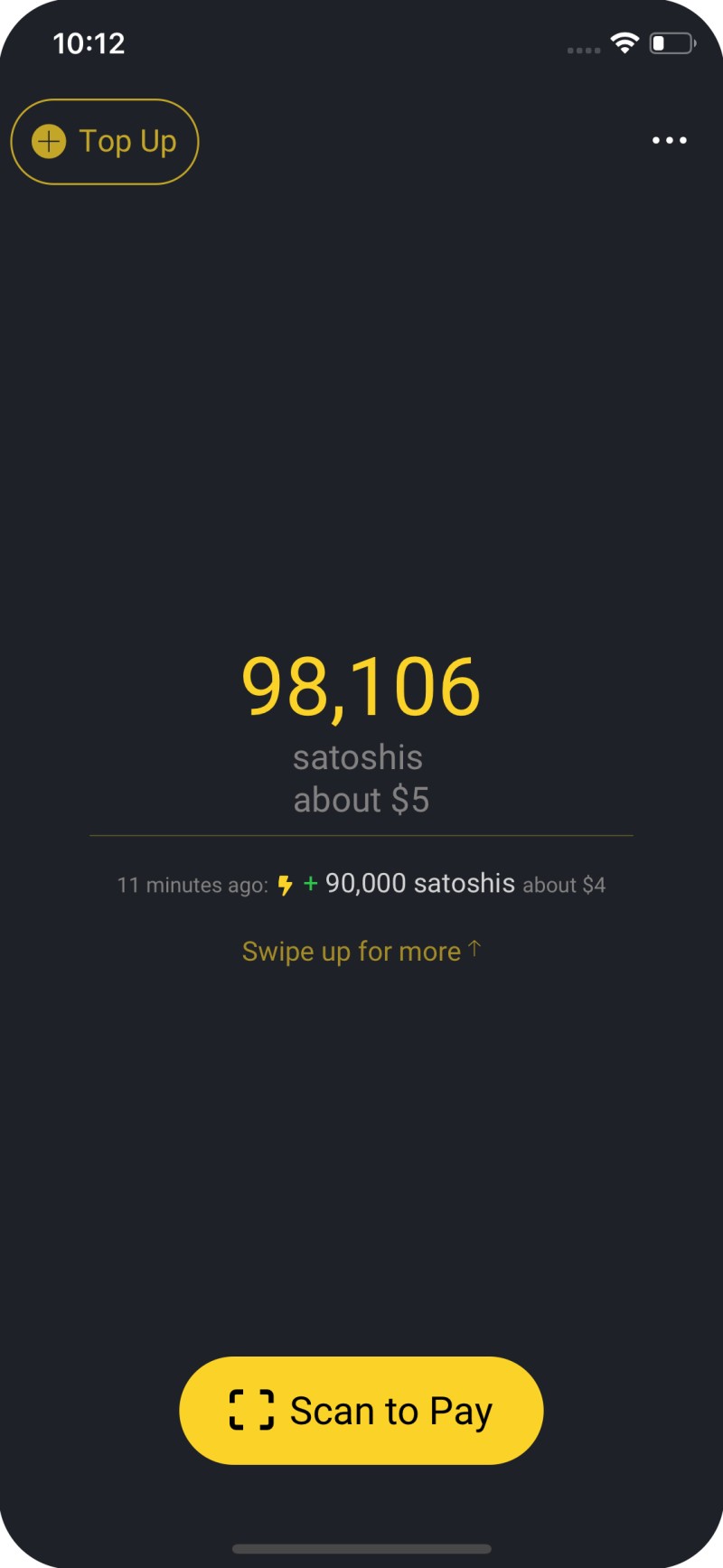
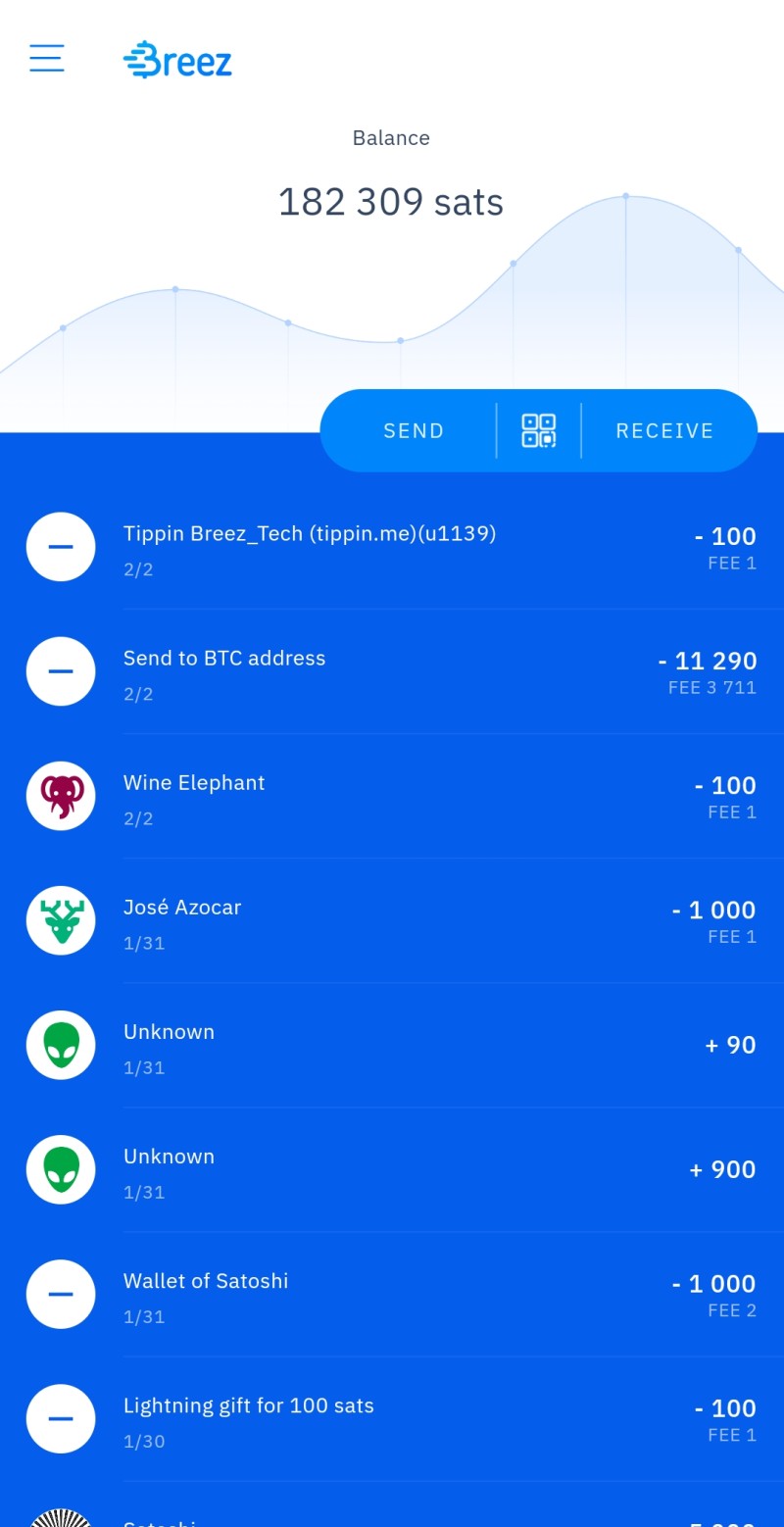
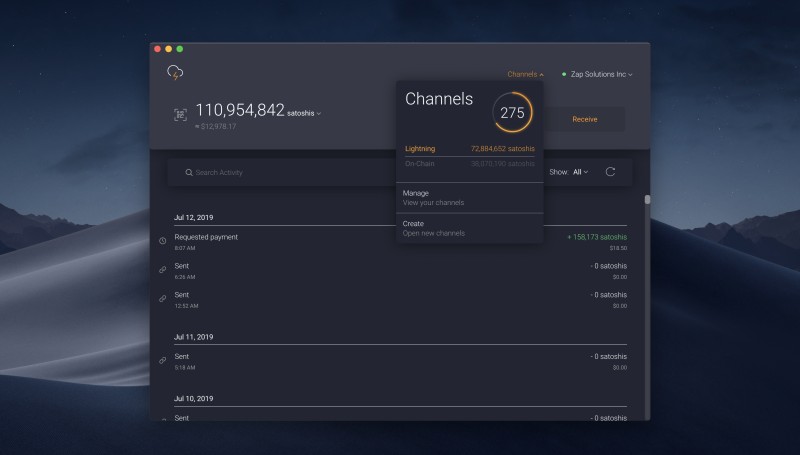
Lightning payouts are a big deal for BTC miners. NiceHash wallet does Lightning and auto-opens channels. Wallet of Satoshi is the simplest mobile app, but it is custodial and holds your keys. For test or easy use it's fine. Breez is open-source and non-custodial but you must set channels. Zap works on all platforms and is non-custodial too.
Lightning wallet picks
- Wallet of Satoshi - easy, custodial, no account
- Breez - open source, non-custodial, set channels
- Zap - all platforms, open source, non-custodial
- NiceHash wallet - Lightning support, exchange link
If you want total control, Breez or Zap. If you just want to try Lightning without pain, Wallet of Satoshi gets you in fast. The trade is who holds the key. That links back to self-custody being the whole ballgame for your best mining wallet plan.
Setting Up Your Mining Wallet
Setup starts with making a secure public address. You then enter it into your mining software like HiveOS or NiceHash, or into the pool config file. That's it for the basic link. The pool now knows where to send your share of the block reward.
If you're new and thinking how to open a crypto wallet , you install the app or device, follow the create step, and save the seed offline. Then copy the receive address. Paste it where the miner pays. Boom, you have a working best mining wallet for that coin, even if it's just a start.
NiceHash has a rule from its move to Switzerland. The collective wallet can't hold user funds over 60 days by law. It's a service wallet, not storage. The individual wallet stores unlimited but can't be used for services. If you leave coins in collective 50 days, they auto-send to individual wallet, and blockchain fees may apply. I highly suggest you set an external wallet so payouts go there after 50 days.
NiceHash wallet steps
- Make individual or external wallet address
- Set external wallet in wallet tab as default payout
- Get email 7 days before auto-move of funds
- Use Lightning for tiny amounts under 20,000 satoshis
Profit splitting lets you send payouts to chosen wallets by percent from 1 to 100. You can divide to many addresses. This helps if you mine with others or just want to spread to cold and hot. The 60-day limit is a Swiss rule, not a bug, so plan around it.

Coin-Specific Wallet Matching
Your best mining wallet must match the coin. Ethereum Classic is widely supported. Major non-custodial ETC wallets are MetaMask (add ETC manual), Trust Wallet (default ETC), Ledger Nano S (hardware, large amounts), MyCrypto, MyEtherWallet, and Exodus. Self-custody matters more for ETC since trust minimization is the blockchain's purpose.
Monero uses RandomX, tuned for CPU mining. CPU beats GPU, and AMD has been a bit better than NVIDIA for it. A good AMD RX 6800 XT is a fair balance if you own it. RX 5700 XT is a decent used buy. RTX 3080 can mine XMR but low performance. You need a Monero wallet before you mine, and the official GUI is the safe pick.
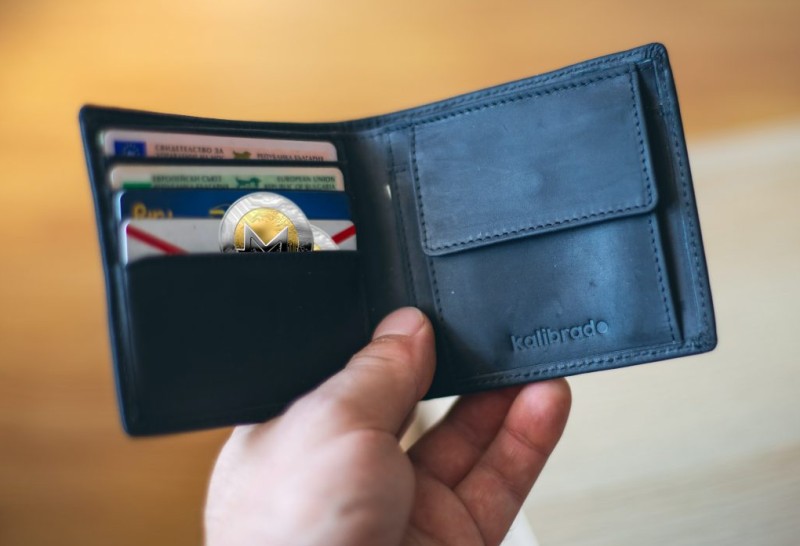
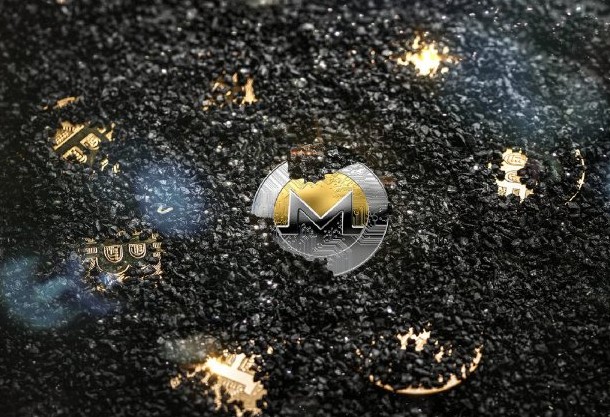
To mine Monero, check hardware, get the wallet, install mining software like XMRig, join a pool or go solo via P2Pool, tune config, and watch temps. XMRig is the popular open miner. Cudo Miner is beginner GUI. MinerGate is friendly but check its rep. SRBMiner is AMD-focused. The Monero Project pushes solo or P2Pool to avoid pool trust.
Grin is Linux-only for official wallet. A workaround is Bitforex with UID method. F2Pool pays GRIN once daily if over 5 GRIN. Mining with Bminer on GPU is fast. Bitcoin Lightning payouts via OCEAN use BOLT12 offers. You need a Lightning node with inbound liquidity and a wallet that signs messages like Electrum or Ledger. If Lightning fails, OCEAN retries until on-chain threshold then pays on chain.
What Is Safest Crypto Wallet
People ask me what the safest crypto wallet is and the short answer is a hardware wallet kept offline with a steel seed backup. Ledger and Trezor are the common cold options. They win on safety because keys never touch the net. But they are slow if you trade often for power costs.
Software wallets are medium safety. Exchange-linked like Bitget are high but institutional, and you trust them. For pure self-custody, cold hardware is top. The catch is convenience. Your best mining wallet may be cold for savings and hot for spending. That's normal and fine.
Hardware wallets considered safest as offline physical devices similar to USB stick.
If you want the best way to own crypto with control, non-custodial cold is it. You take the risk of losing the seed, but no third party can freeze you. For small daily amounts, a hot wallet is okay. Just don't confuse easy with safe.
Easy Crypto Wallets And Apps
Some wallets are made to be simple. Trust Wallet and Exodus are often called easy crypto wallets because they hide the hard parts. MetaMask is the big one in EVM land and works with ETC too. These help if you just want to see coins and send without reading docs for days.
The best wallet application for you depends on device and coin. On phone, Trust or Wallet of Satoshi. On desktop, Exodus or Electrum. On hardware, Ledger or Trezor. There is no single winner. The best mining wallet is the one that fits your mine and your habit.
Easy wallet picks by need
- Trust Wallet - mobile, multi-coin, ETC default
- Exodus - desktop and mobile, nice design
- MetaMask - browser and mobile, EVM king
- Wallet of Satoshi - simplest Lightning start
How To Safely Store Crypto
When you think how to safely store crypto , the steps are plain. Use cold storage for big sums. Write seed on steel. Enable 2FA on linked accounts. Use a clean device for wallet tasks. And never type your seed in a browser. That last one bites people all the time.
For miners, dust adds risk because you touch the wallet more. Consolidate UTXOs when fees are low. Don't leave years of payouts in a hot wallet "just for a sec." Move to cold on a schedule. Your best mining wallet habit is boring on purpose.
Never store 24-word recovery phrase digitally; use physical backups like steel plates.
Custodial wallets can be hacked or regulated. That's the cost of easy. If you use one, keep only what you must move soon. The rest goes to keys you hold. This is how storage stays safe over the long mine.
Mining Wallet Comparison
Here's a plain compare of the main wallet kinds for mining. Hardware wins on security but is slow for payouts. Software is fast but online. Exchange-linked is instant trade but you trust them. Pick by what you do most.
Mining wallet compare
- Hardware: ultra-high security, low payout speed, slow trade
- Software: medium security, high payout, moderate trade
- Exchange-linked: high security, high payout, instant trade
- Support: community for hardware, docs for software, 24/7 for exchange
Bitget as exchange-linked supports over 1,300 coins and has pro support. That helps miners who must pay bills fast. Hardware like Ledger excels in pure safety. Your best mining wallet mix might be Bitget for flow and Ledger for stack. Just know the split.
Risks And Scams In Wallet Mining
Watch for apps that promise "cloud mining" or "wallet mining" for a deposit. Most are fake and not real proof-of-work. If a wallet asks you to pay to mine, walk away. Real mining uses your hardware and a pool, not a deposit box.
On-chain transparency means wallets can be blacklisted under sanctions. Custodial risk is real: the third party can be hacked, ruled, or broke. Quantum computing may threat public key safety later, but core chain is seen as strong. Use platforms that are clear and follow rules.
Wallet mining scams: apps promising cloud mining requiring initial deposit often fraudulent.
NiceHash Swiss rule forces the 60-day cap on collective storage. That's not a scam, just law. Plan your external wallet so you don't lose small sums to fees. And if a pool or wallet feels off, trust that feel.
Future Trends In Mining Storage
Multi-Party Computation (MPC) is coming to cut the seed phrase risk. Deeper DeFi links let miners use rewards as loan collateral or yield without leaving the wallet. Big miners move BTC to institutional custody, and that trend spreads down. Lightning payouts with BOLT12 are now a standard path.
BOLT12 merged into Lightning spec in September 2024 and got wide support after. OCEAN uses it for BTC payouts. If you want to be ready, get a Lightning wallet that signs messages and has channels. Your best mining wallet in a few years may do all this by default.
I think the main thing is match wallet to coin and keep keys close. The rest is habit. How you acquire cryptocurrency through mining is only half the story; storing it right is the other half. Pick slow, pick plain, and don't let a cartoon mascot choose for you.
Comments on “This Is How To Choose Your Best Mining Wallet Without The Usual Confusion”
No comments yet. Be the first to share your thoughts.